4 Free Tools to Run Powerful AI Locally on Your PC
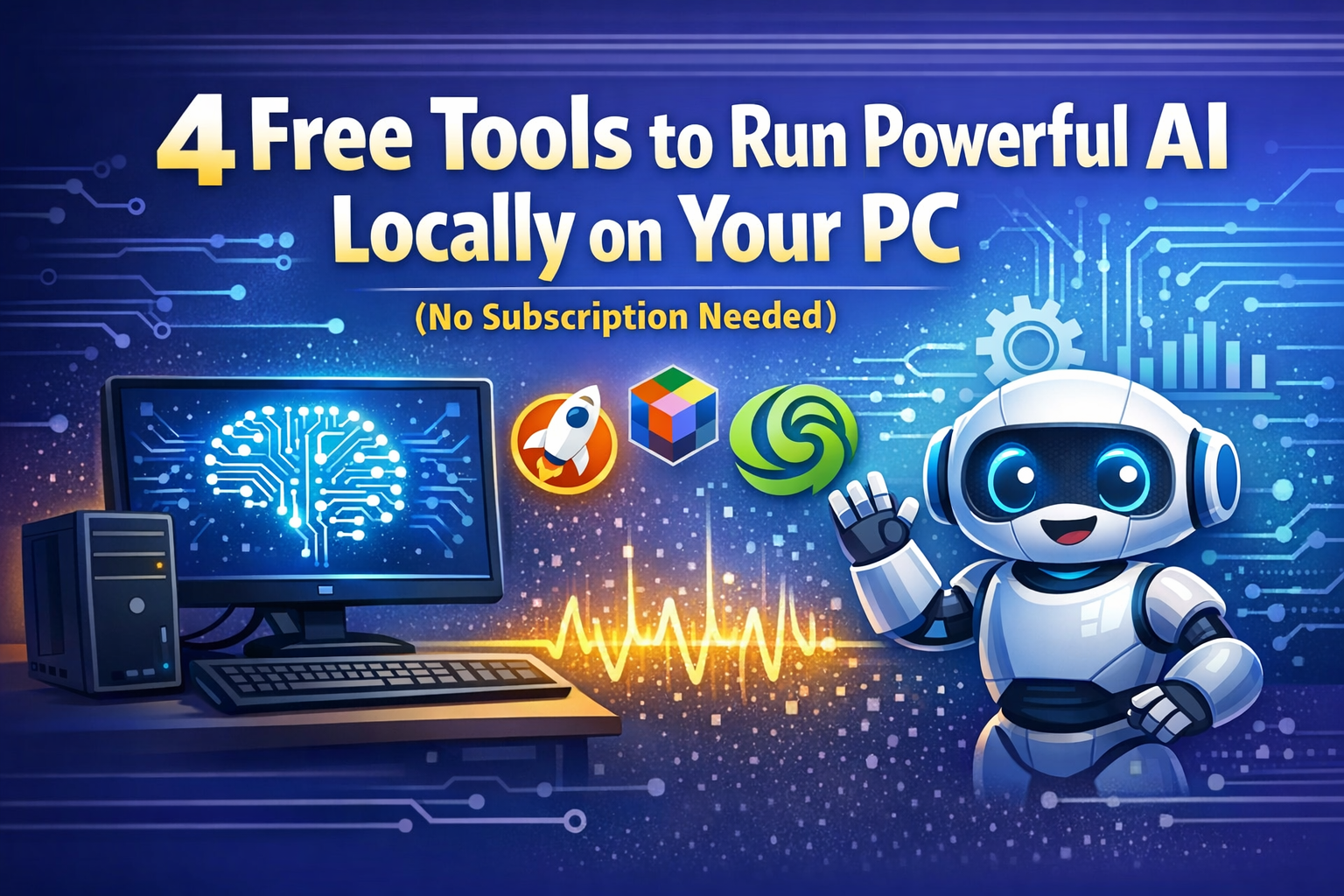
4 Free Tools to Run Powerful AI Locally on Your PC (No Subscription Needed)
AI tools have quickly become part of everyday workflows — from writing and coding to research and automation. But many of the most popular AI platforms come with monthly subscriptions that can easily add up over time.
The good news? You don’t always need a paid subscription to access powerful AI models.
Thanks to advances in quantized AI models and open-source ecosystems, many modern computers can now run advanced AI models locally. That means you can use powerful large language models (LLMs) directly on your PC without relying on cloud services or paying monthly fees.
In this guide, we’ll explore four powerful free tools that allow you to run AI locally on your computer, giving you greater privacy, control, and flexibility.
Why Run AI Locally Instead of Paying for Subscriptions?
Running AI locally offers several benefits compared to cloud-based AI services.
Lower Cost
Most cloud AI tools charge monthly fees. Over time, these costs add up. Running AI locally eliminates recurring expenses.
Better Privacy
When models run on your machine, your prompts and data remain on your device instead of being sent to external servers.
Full Control
You can choose which models to run, customize parameters, and integrate them with your own tools or workflows.
Offline Capability
Local AI tools work even without an internet connection once the models are downloaded.
For developers, researchers, and privacy-focused users, local AI tools are becoming increasingly popular.
1. Ollama – The Fastest Way to Run AI Models Locally
Ollama is one of the most efficient tools for running large language models locally, especially for users comfortable with command-line tools.
Once installed, you can run a model with a simple command in your terminal.
Example:
ollama run llama3
Within seconds, you’ll have a powerful AI model running locally on your machine.
Key Features
- Lightweight local runtime
- Supports models like Llama 3, Mistral, DeepSeek, and Phi-3
- Compatible with Windows, macOS, and Linux
- Provides an OpenAI-compatible API
- Minimal system memory usage
One major advantage of Ollama is that it creates a local REST API, allowing developers to connect their applications or scripts just like they would with cloud AI APIs.
Best For
Developers, engineers, and power users who want flexible AI infrastructure without relying on cloud services.
2. LM Studio – A User-Friendly Desktop AI Platform
If you prefer a graphical interface instead of command-line tools, LM Studio is one of the easiest ways to run AI models locally.
LM Studio provides a desktop environment where you can:
- Browse models directly from Hugging Face
- Download optimized AI models
- Run them locally with a simple interface
- Test prompts and system instructions
The platform also includes a built-in benchmarking system that lets you compare how different AI models perform on your hardware.
Key Features
- Intuitive graphical interface
- Built-in model discovery and comparison
- Supports GPU acceleration (Nvidia and Apple Silicon)
- OpenAI-compatible local API
- Parallel inference capabilities
Because LM Studio is built using Electron, it consumes more RAM than some lightweight alternatives. However, its usability makes it a great option for beginners.
Best For
Users who want an easy way to run local AI models without using the terminal.
3. GPT4All – The Simplest Way to Get Started with Offline AI
If you’re new to running AI models locally, GPT4All is an excellent starting point.
After installing the application, you can choose a model from the built-in list and begin interacting with it immediately. No complicated configuration required.
One of GPT4All’s most impressive features is LocalDocs, which allows you to connect the AI to your own documents.
You simply point the system to a folder containing files such as:
- PDFs
- Text files
- Markdown documents
The AI then indexes those files and retrieves relevant information when answering questions. This approach is called Retrieval-Augmented Generation (RAG).
Key Features
- Simple setup process
- Runs well even on CPU-only systems
- Built-in document search capabilities
- Available on Windows, macOS, and Linux
- Fully open-source
The trade-off is that GPT4All offers fewer advanced configuration options compared to tools like Ollama.
Best For
Beginners and users with older computers who want an easy entry point into local AI.
The trade-off is that GPT4All offers fewer advanced configuration options compared to tools like Ollama.
4. Jan – A ChatGPT-Like Experience on Your Desktop
Jan takes a different approach from other local AI tools. Instead of just providing a model runner, it aims to replicate the ChatGPT experience entirely on your desktop.
The interface feels polished and familiar, making it easy for users transitioning from cloud AI services.
Jan integrates directly with Hugging Face, allowing you to download models such as:
- Qwen
- Llama
- Mistral
The application automatically recommends models based on your hardware capabilities.
Key Features
- Clean ChatGPT-style interface
- Fully open-source and privacy-focused
- Built-in Hugging Face integration
- Local API server support
- Easy setup and model management
Jan also allows developers to connect the local AI assistant to tools like VS Code, enabling powerful AI coding assistants running entirely on local hardware.
Best For
Users who want a ChatGPT-like experience without sending their data to external servers.
Choosing the Right Local AI Tool
Each of these tools offers unique advantages depending on your needs.
| Tool | Best For | Interface |
|---|---|---|
| Ollama | Developers and automation | Command line |
| LM Studio | Easy model browsing | GUI |
| GPT4All | Beginners and older PCs | GUI |
| Jan | ChatGPT-like experience | GUI |
If you’re new to local AI, start with GPT4All or LM Studio. If you’re a developer, Ollama offers powerful automation capabilities.
Final Thoughts
Running AI locally is becoming easier than ever.
With the rise of optimized AI models and open-source platforms, your existing computer may already be capable of running powerful AI tools without any subscription costs.
Tools like Ollama, LM Studio, GPT4All, and Jan give you the flexibility to experiment with AI, maintain privacy, and avoid recurring fees.
As local AI technology continues to improve, running advanced AI models directly on personal hardware may soon become the default approach for many users.